Introduction to Automation
- Automation in software testing is the process of using specialized tools and scripts to execute test cases, compare actual outcomes with expected results, and report defects. The primary goal of automation is to increase testing efficiency, ensure consistency, and reduce human intervention in repetitive tasks.
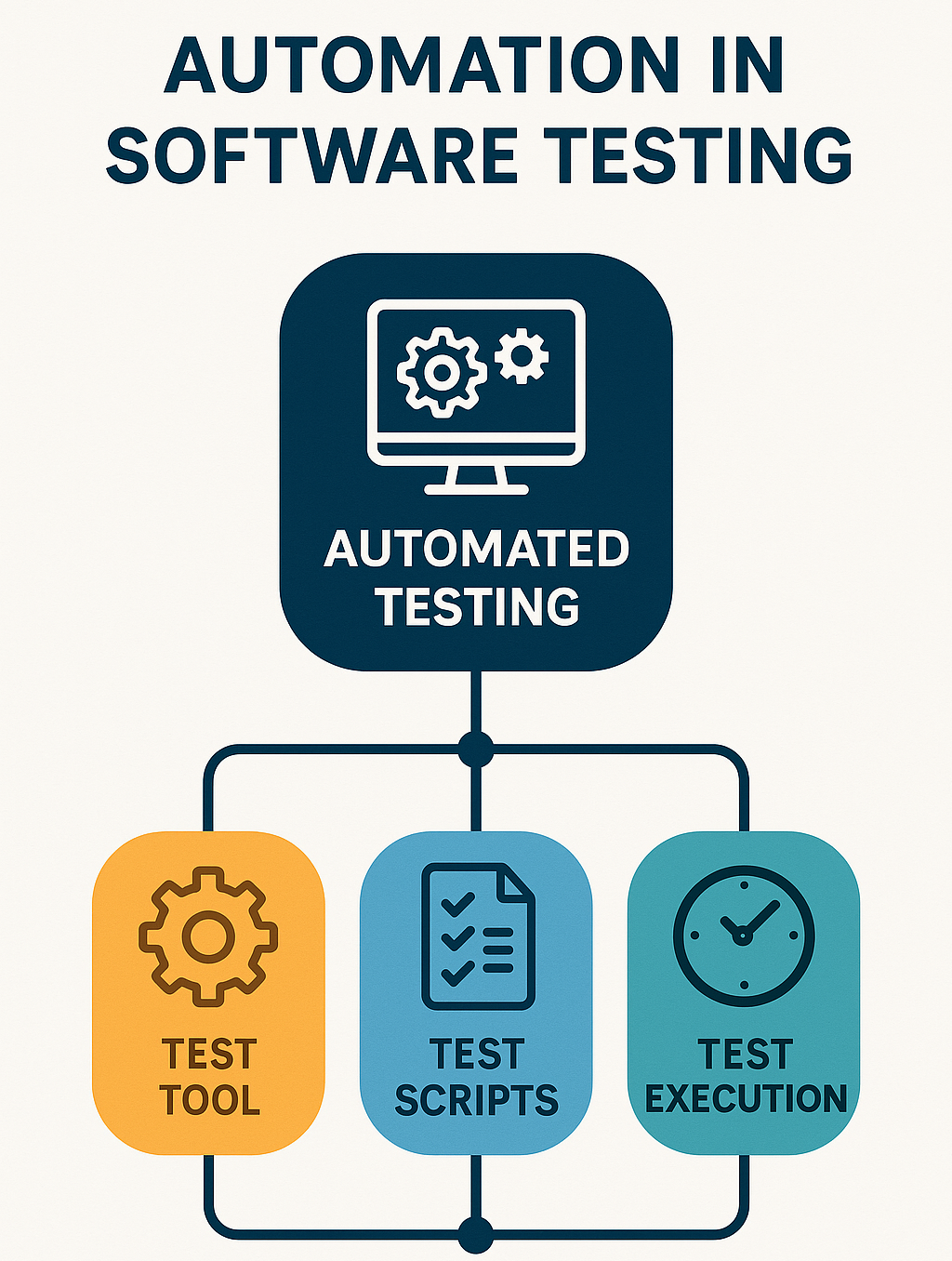
Why Test Automation
-
Repeatability - Test scripts can be reused across different test cycles.
-
Speed and Efficiency - Automated tests execute faster than manual testing.
-
Repeatability - Test scripts can be reused across different test cycles.
-
Accuracy - Reduces human errors in test execution.
-
Cost-Effectiveness - Though initial setup requires effort, long-term costs are reduced.
-
Continuous Integration (CI/CD) - Supports DevOps practices by enabling frequent and rapid testing.
Automation Key Concepts
| Term | Description |
|---|---|
| Test Automation | Using tools / scripts to run tests automatically. |
| Test Script | A set of instructions written to perform a test. |
| Test Framework | A structured environment for test execution. ie: Selenium and JUnit. |
| CI / CD Integration | Automating tests as part of Continuous Integration / Delivery. |
| Regression Testing | Re-running tests to check new changes didn’t break existing features. |
Introduction to Selenium WebDriver
- Selenium WebDriver is an open-source automation framework primarily used for web application testing. It allows testers to interact with web elements just like a real user would for instance, clicking buttons, entering text, and verifying UI behavior.
Key Features of Selenium WebDriver
-
Cross-Browser Testing - Supports Chrome, Firefox, Edge, and Safari.
-
Multiple Programming Languages - Works with Java, Python, C#, and JavaScript.
-
No Need for a Separate Server - Unlike Selenium RC, WebDriver directly communicates with the browser.
-
Integration with Test Frameworks - Works with JUnit, TestNG, and other test frameworks.
-
Supports Headless Browsers - Enables testing without UI rendering. ie: Using ChromeHeadless mode.
Selenium WebDriver Architecture
-
Selenium WebDriver follows a client-server architecture where:
-
Test Scripts (Written in Java or Python) send commands to the WebDriver API.
-
Browser Drivers (ChromeDriver or GeckoDriver) execute commands on the respective browser.
-
Browser performs the actions and returns results.
-
Automated Testing in Selenium
- Selenium supports various types of automated testing:
- Functional Testing
- Regression Testing
- Cross-Browser Testing
Ensures web applications work as expected.
Verifies UI elements, forms, navigation, and business logic.
Example: Clicking a button, entering text, and validating a message.
Re-executes existing test cases to ensure new changes do not introduce defects.
Commonly automated to save time in frequent releases.
Example: Running a Selenium test suite after every deployment.
Validates web application behavior on different browsers.
Selenium supports Chrome, Firefox, Edge, and Safari.
Example: Running the same test script on multiple browsers.
Selenium Automation Frameworks
- To improve maintainability and efficiency, Selenium is used with structured frameworks:
Page Object Model (POM)
-
Separates test logic from UI elements.
-
Improves code reusability and maintainability.
More information about POM.
Hybrid Framework
-
Combines multiple frameworks like POM + Data-Driven Testing.
- Reading test data from Excel while using POM.
Keyword-Driven Framework
-
Uses predefined keywords instead of hardcoded scripts.
-
A typical Keyword-Driven Framework consists of:
- Test Data File (Excel, CSV, Database) - Contains keywords and test data.
-
Keyword Library
-
Test Executor - Reads test steps from the external file and executes actions accordingly.
-
Test Scripts - A minimal script that loads the test case, identifies keywords, and calls respective methods.
-
Sample Code
- loginTest.js - Load the list of actions / valuies from the excel file and execute the test.
const { Builder } = require("selenium-webdriver");
const actions = require("../keywords/actions");
const excelUtil = require("../utils/excelUtil");

describe("Hybrid Framework Login Test", () => {
  let driver;

  before(async () => {
    driver = await new Builder().forBrowser("chrome").build();
    actions.setDriver(driver);
  });

  it("Should run login steps from Excel", async () => {
    const testSteps = await excelUtil.readSteps(
      "./data/testData.xlsx",
      "Sheet1"
    );

    for (const step of testSteps) {
      const [keyword, value] = step;
      if (typeof actions[keyword] === "function") {
        await actions[keyword](value);
      }
    }
  });

  after(async () => {
    await driver.quit();
  });
});
- loginPage.js - Looks for certain dom elements and sends key strokes to it.
class LoginPage {
  constructor(driver) {
    this.driver = driver;
  }

  async enterUsername(username) {
    await this.driver.findElement({ id: "username" }).sendKeys(username);
  }

  async enterPassword(password) {
    await this.driver.findElement({ id: "password" }).sendKeys(password);
  }

  async clickLogin() {
    await this.driver.findElement({ id: "login" }).click();
  }
}

module.exports = LoginPage;
- actions.js - Control the login page module via different actions.
const { By } = require("selenium-webdriver");
const LoginPage = require("../pages/loginPage");

let driver;
let loginPage;

module.exports = {
  setDriver(d) {
    driver = d;
    loginPage = new LoginPage(driver);
  },

  async navigate(url) {
    await driver.get(url);
  },

  async inputUsername(value) {
    await loginPage.enterUsername(value);
  },

  async inputPassword(value) {
    await loginPage.enterPassword(value);
  },

  async clickLogin() {
    await loginPage.clickLogin();
  },
};
- excelUtil.js - Load the actions / value data from an excel file to be used for testing.
const Excel = require("exceljs");

module.exports = {
  async readSteps(filePath, sheetName) {
    const workbook = new Excel.Workbook();
    await workbook.xlsx.readFile(filePath);
    const sheet = workbook.getWorksheet(sheetName);

    const steps = [];
    sheet.eachRow((row, rowNumber) => {
      if (rowNumber === 1) return; // skip header
      const action = row.getCell(1).text.trim();
      const value = row.getCell(2).text.trim();
      steps.push([action, value]);
    });
    return steps;
  },
};
- testData.xlsx - Holds the action and value data used for the test.
Action,Value
navigate,https://example.com/login
inputUsername,testuser
inputPassword,testpass
clickLogin
Integration with TestNG and JUnit
- Selenium is often used with test frameworks like TestNG and JUnit for better test execution control.
Continuous Integration (CI/CD) with Selenium
-
Automating Selenium tests in CI/CD pipelines ensures frequent and reliable test execution.
-
Running Selenium Tests in Jenkins
- Automated test execution after every code commit.
-
Integrates with Maven, TestNG, and JUnit.
Selenium Grid for Parallel Execution
- Selenium Grid is a powerful tool that allows running test cases in parallel across multiple browsers, devices, and operating systems. It consists of a Hub and multiple Nodes, enabling distributed test execution.
Handling Alerts, Frames, and Windows in Selenium
- Selenium supports handling alerts, pop-ups, frames, and multiple windows.
Conclusion
- Selenium is a comprehensive automation tool for web application testing. By combining frameworks like POM, TestNG, and CI/CD tools like Jenkins, Selenium enables efficient, scalable, and reliable automation testing.
Module Review
Click to start the definition to term matching quiz
Click to start the multiple choice quiz
Score: : 0 / 30 [0.00 %]
Question 1 of 30: Which benefit of automation reduces human mistakes during testing?